Reset Factory
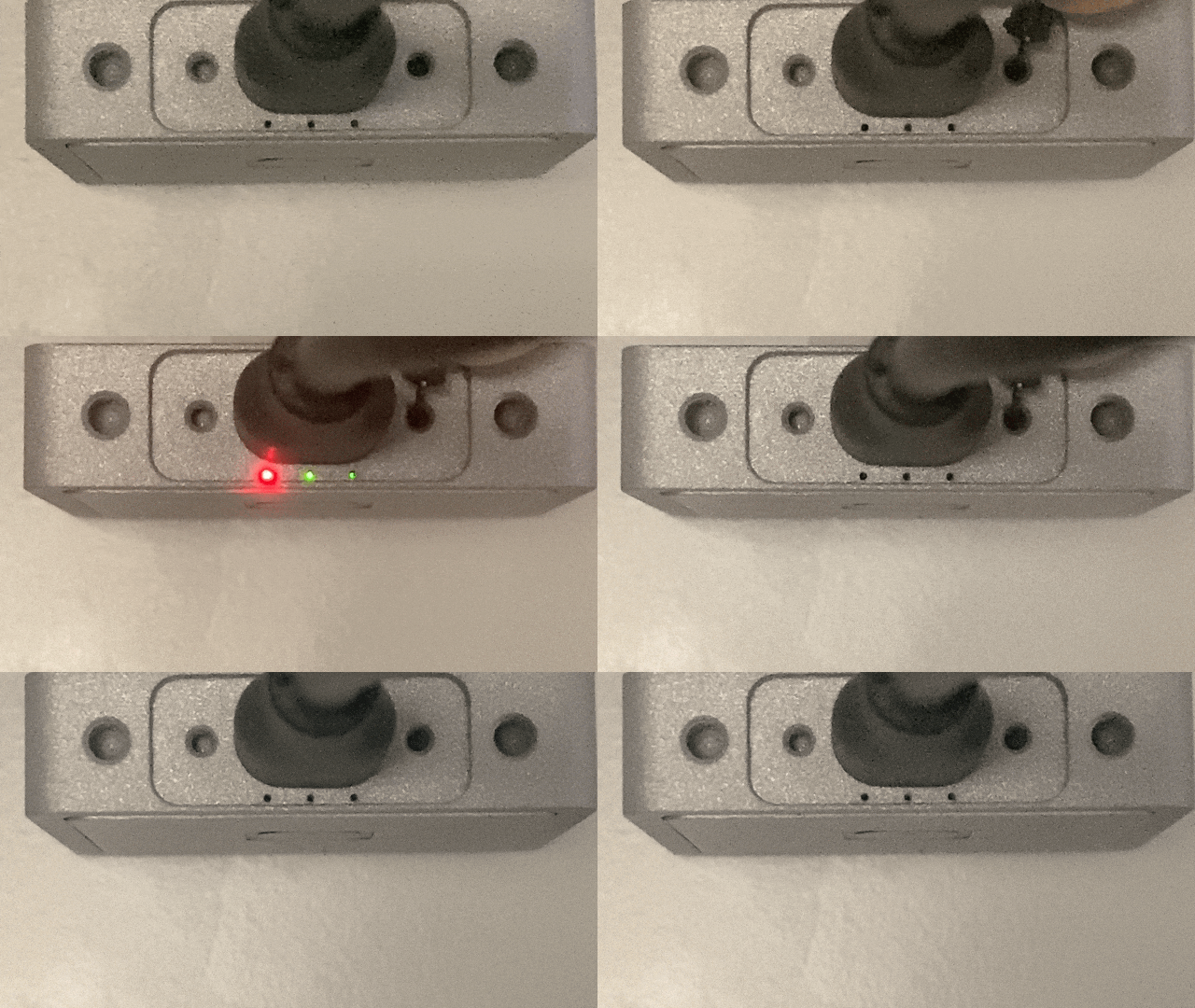
To perform a factory reset on your Olive device, press and hold the reset button for more than 10 seconds. During this time, the LEDs will start blinking between 6 to 10 seconds as a warning. If you continue holding the button, the LEDs will turn solid, indicating the initiation of the factory reset process. This will restore the device to its default settings, create a reset trigger, roll back to a stable software update, and then reboot the device.
This factory reset step will only reset the device’s IP address to its default.

DANGER
Please note that the factory reset will take up to 2 minutes, and the device will reboot several times. During this period, please do not remove the connection cable.
For a safe shutdown without a factory reset, hold the button for 2 to 6 seconds.
Olive Component Reset Instructions Summary
| Duration | Action | LED Indicator | Expected Outcome |
|---|---|---|---|
| Less than 2 sec | No Action | On (Off on release) | No action taken |
| 2 to 6 sec | System Shutdown | On (Off on release) | System shuts down safely |
| 6 to 10 sec | Warning for Reset | Blinking | LED blinks as a warning before factory reset |
| More than 10 sec | Factory Reset Initiated | Solid On then Off | Factory reset starts: reset trigger created, rollback to default IP, and twice reboot |
Reset Factory Procedure Demonstrations
General Example (IMU-U01X09D-Gen1)
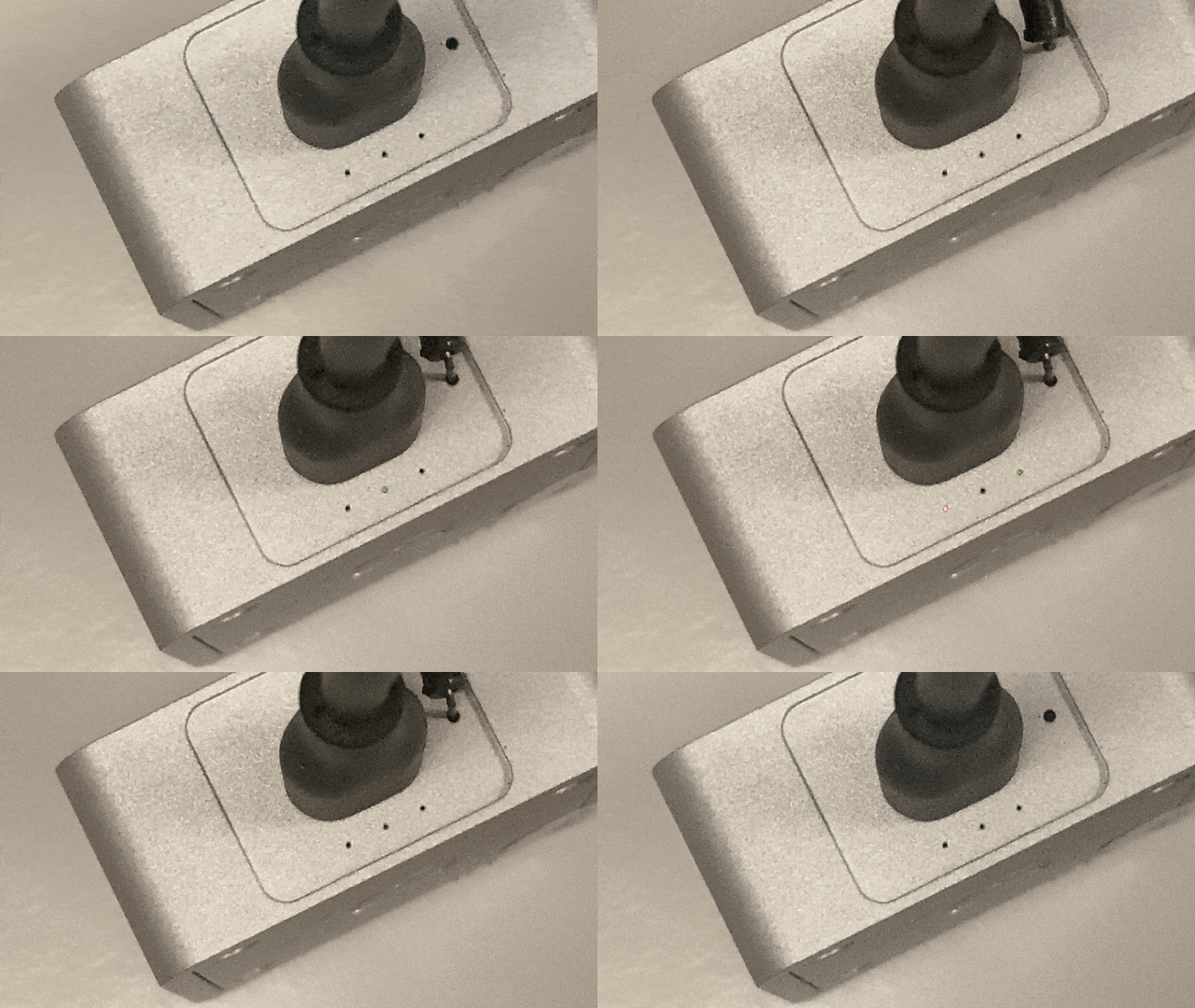
General Example (IMU-U01X09D-Gen2)